
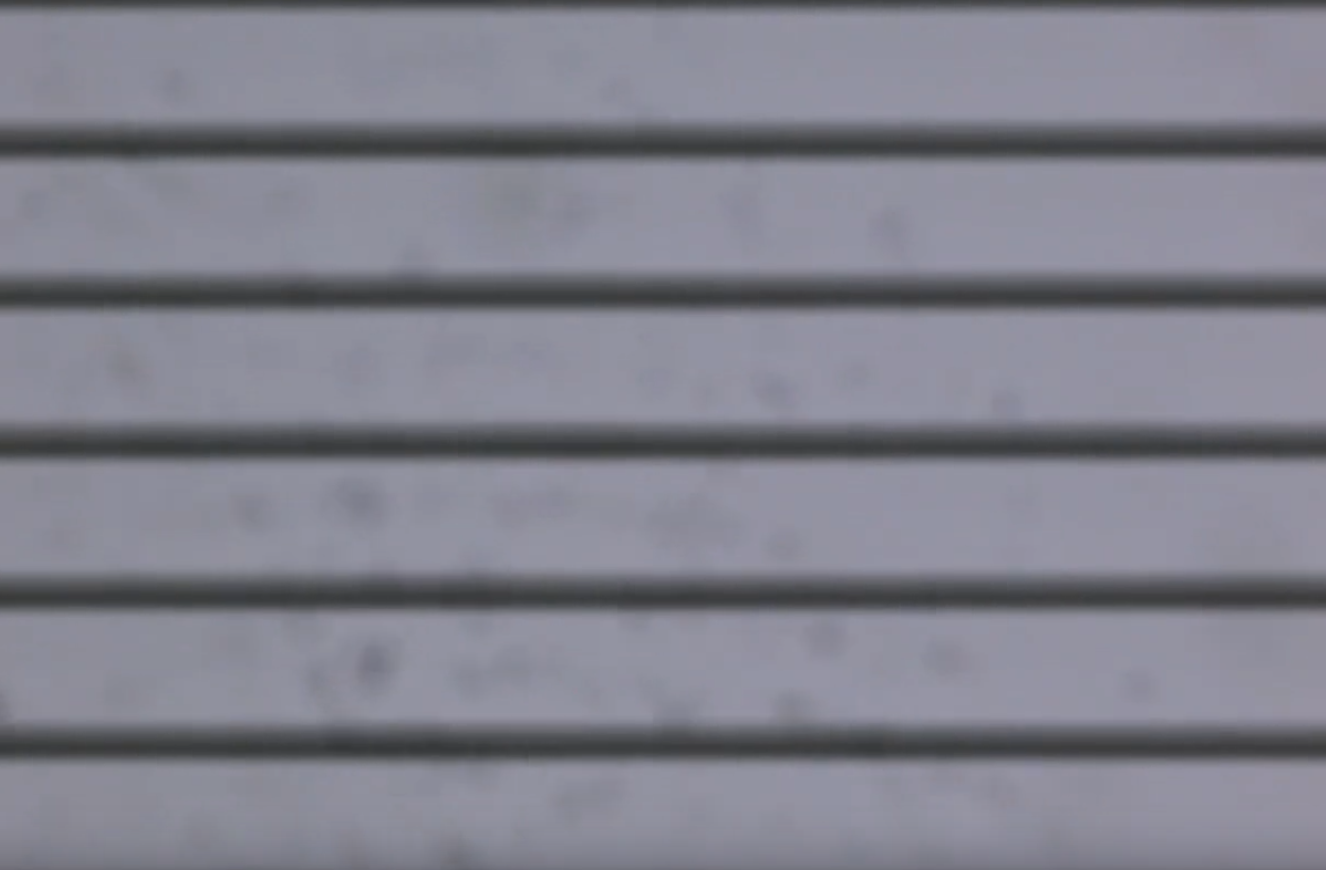
In the process of microscopic imaging, screen flickering or the appearance of horizontal stripes in images are common issues, which may affect the observation experience and the accuracy of analysis.
This article systematically sorts out the causes and proposes targeted solutions to help users quickly optimize imaging quality.
Analysis of the Causes of the Problem
1.Light Source Issues
- Frequency mismatch: The frequency of the microscope light source or display power supply (e.g., 50Hz/60Hz) is inconsistent with the sampling frequency of the imaging system, resulting in screen flickering.
- Poor light source stability: Aging of the light source, voltage fluctuations, or defects in the LED driver circuit design may all cause light intensity fluctuations and flickering.
2.Microscope Camera Issues
- Differences in pixel sensitivity: Uneven sensitivity among the camera’s pixels can easily lead to periodic brightness variations, manifested as horizontal stripes.
- Overload of the photosensitive chip: Signal distortion of the chip under high light intensity causes screen flickering or image noise.
3.Hardware Device Issues
- Mismatch between graphics card and display refresh rates: Differences in their refresh rates can easily cause screen flickering.
- Abnormal graphics card driver: Outdated driver versions or compatibility issues may result in abnormal image display.
4.Software Setting Issues
- Inappropriate exposure time: Excessively short exposure time may cause uneven image refreshing.
- Algorithm defects: The software cannot effectively eliminate light source fluctuations, leading to periodic screen flickering.
Targeted Solutions
1.Light Source Optimization
- Match frequencies: Ensure the light source frequency is consistent with the camera’s sampling frequency (e.g., stable LED light sources are recommended for fluorescence imaging).
- Replace aging light sources: Regularly inspect and replace aging components to maintain stable light intensity; for LED light sources, check whether the driver circuit is functioning properly.
2.Microscope Camera Calibration
- Adjust exposure time: Set a reasonable exposure time based on sample characteristics to avoid chip overload.
- Enable anti-flicker mode: Some cameras support anti-flicker functions, which can effectively suppress periodic stripes.
3.Hardware Device Debugging
- Synchronize refresh rates: Adjust the refresh rates of the graphics card and display to be consistent (e.g., 60Hz).
- Update graphics card drivers: Install the latest driver version to ensure compatibility and performance.
- Check display status: Rule out screen flickering caused by hardware faults.
4.Software Parameter Adjustment
- Upgrade software version: Update to the latest version to fix known algorithm defects.
- Optimize exposure parameters: If the power frequency is 50Hz, the exposure time is recommended to be set as an integer multiple of 1/100 seconds, with a corresponding increase in exposure time.
- Adjust image processing parameters: Reduce horizontal stripes by adjusting gain, offset, and dynamic range.
5.Optical Path Maintenance and Calibration
- Clean optical components: Regularly clean dust and stains from the surfaces of objectives, condensers, etc.
- Calibrate optical path uniformity: Use professional tools to calibrate the optical path and ensure uniform illumination.
Preventive and Maintenance Measures
1.Regular maintenance plan:
- Clean optical path components and calibrate the light source and camera once a quarter.
- Update software and drivers to ensure system compatibility.
2.Standardized operating procedures:
- Operators must receive professional training to avoid hardware or software abnormalities caused by misoperation.
3.Environmental control:
- Maintain stable temperature and humidity in the laboratory and avoid direct exposure of equipment to strong light.
Problems such as screen flickering and horizontal stripes in microscopes are mostly caused by improper settings of the light source, camera, hardware, or software. Imaging quality can be significantly improved by matching frequencies, calibrating equipment, optimizing parameters, and conducting regular maintenance.
For example, using Guangzhou MSHOT microscopes with their supporting imaging software, combined with stable LED light sources and high-performance imaging software, can provide a more reliable imaging platform. Ultimately, users need to flexibly adjust settings according to actual needs to achieve high-quality microscopic observation and analysis.